

How to Export Gift Cards and Store Credit to CSV
In the Govalo app, go to the Gift cards or the Store credit dashboard, scroll down to the list of items issued and click the Export to CSV button:

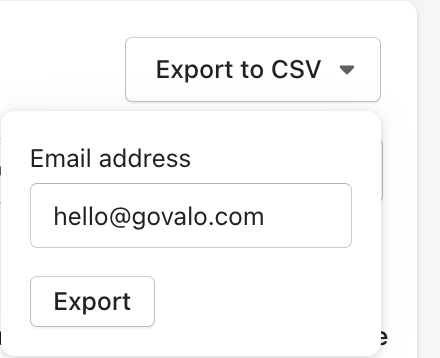
Fill out the email address you wish the CSV to be sent to and click Export:
Confirm the export by clicking Export in the popup:

Check your inbox for the attached CSV file.