Recharge - Setting up your Subscription Gift
Recharge empowers the subscriptions offering in your store through recurring payments. Through the integration between Govalo and Recharge, you can take that to the next level by making it easy to gift subscriptions! Here's how you can do it:
In the Govalo app, go to Integrations and click Connect Recharge:

You'll be prompted to integrate Govalo and Recharge. Click Install to proceed with the integration:

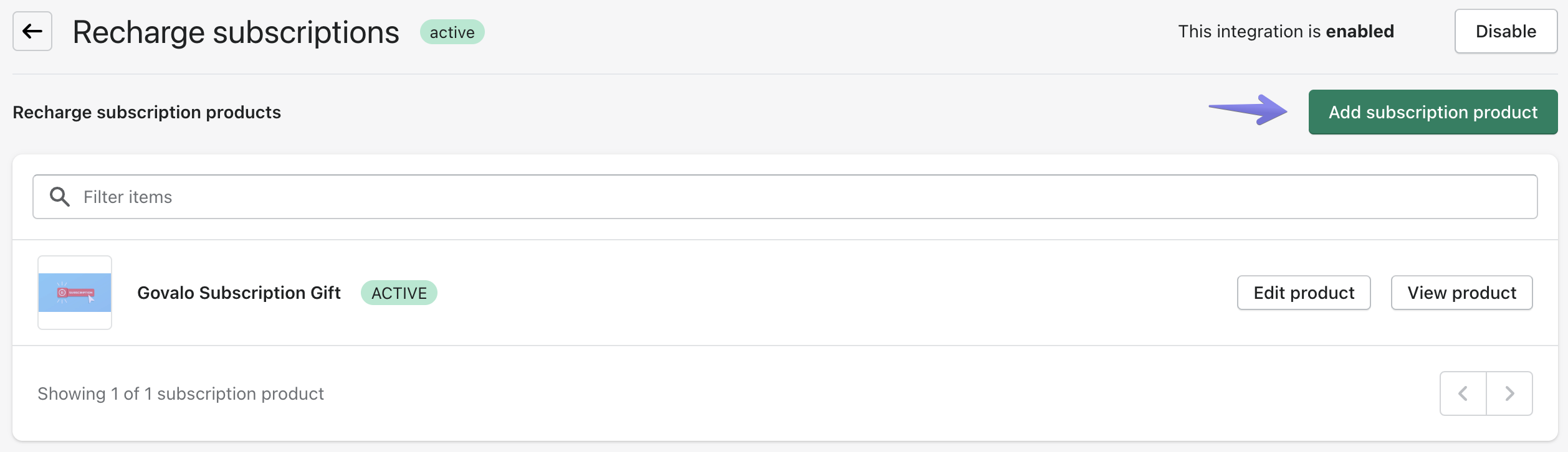
Back to Govalo, in the Recharge integration dedicated page, click Add subscription product:
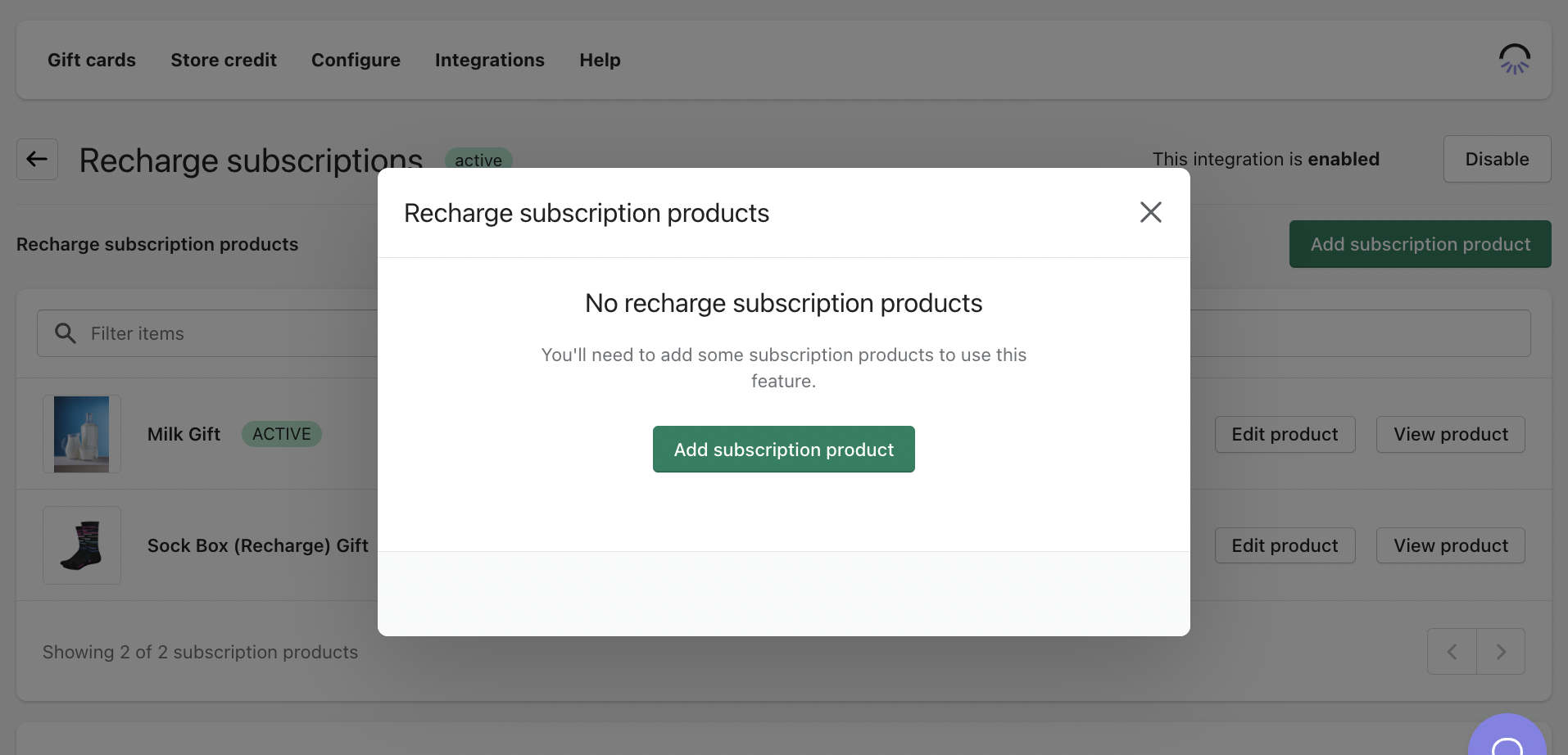
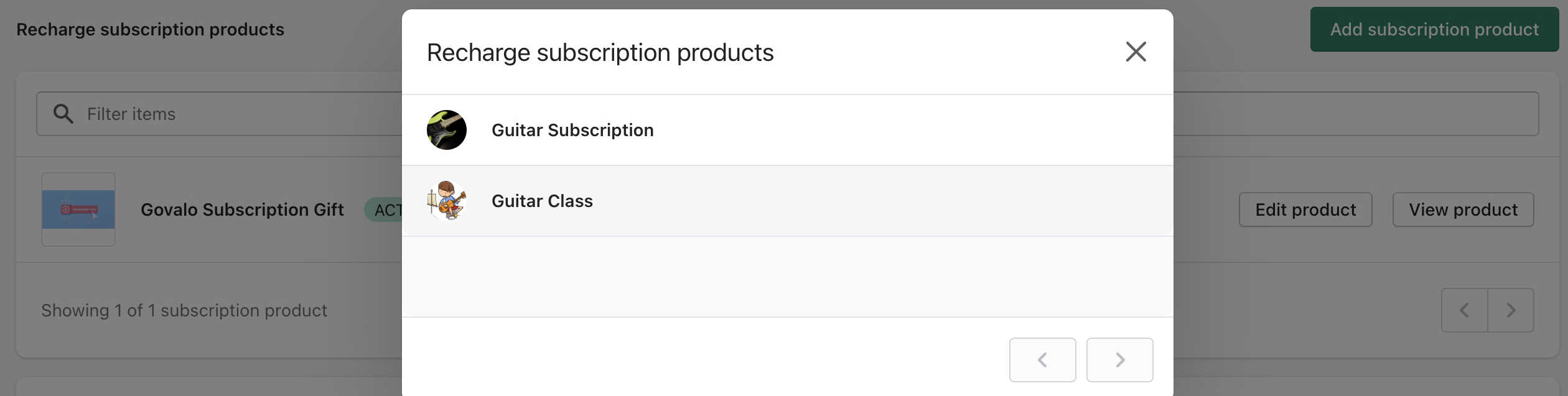
Select the subscription you would like to also offer as a gift:
Customize your subscription gift product. You have the ability to edit the product name, image, and number of times the subscription will be sent (cycles). Once you're ready for the subscription gift product to go live, click Enable.
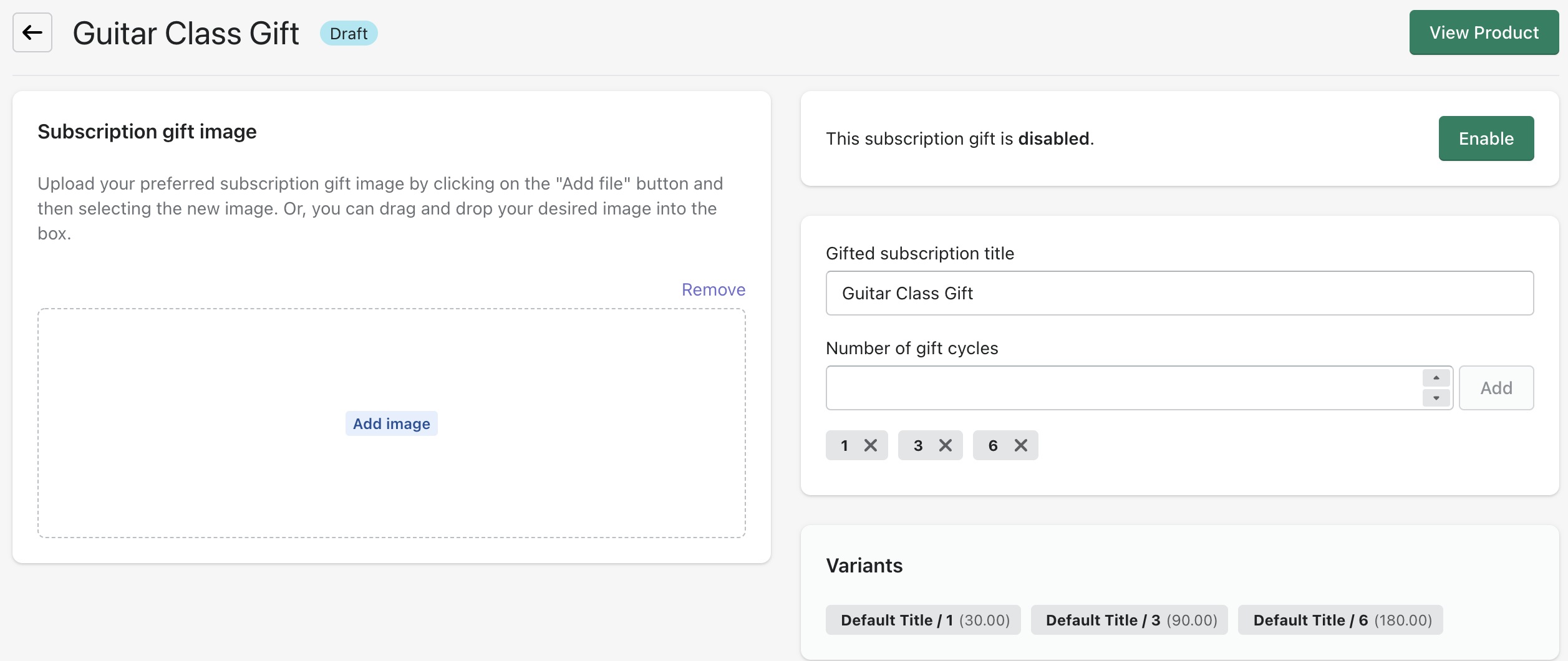
Important: when you add your subscription product to Govalo, our app will create a copy of that product on Shopify, with "Gift" added to its title to differentiate it from the original product. You must not edit the variant titles in the gift copy created by Govalo. Our app relies on the variant titles to correctly create the gifts, therefore any changes may cause the gift codes to be created incorrectly.
Congratulations, you have finished setting up your integration with Recharge!
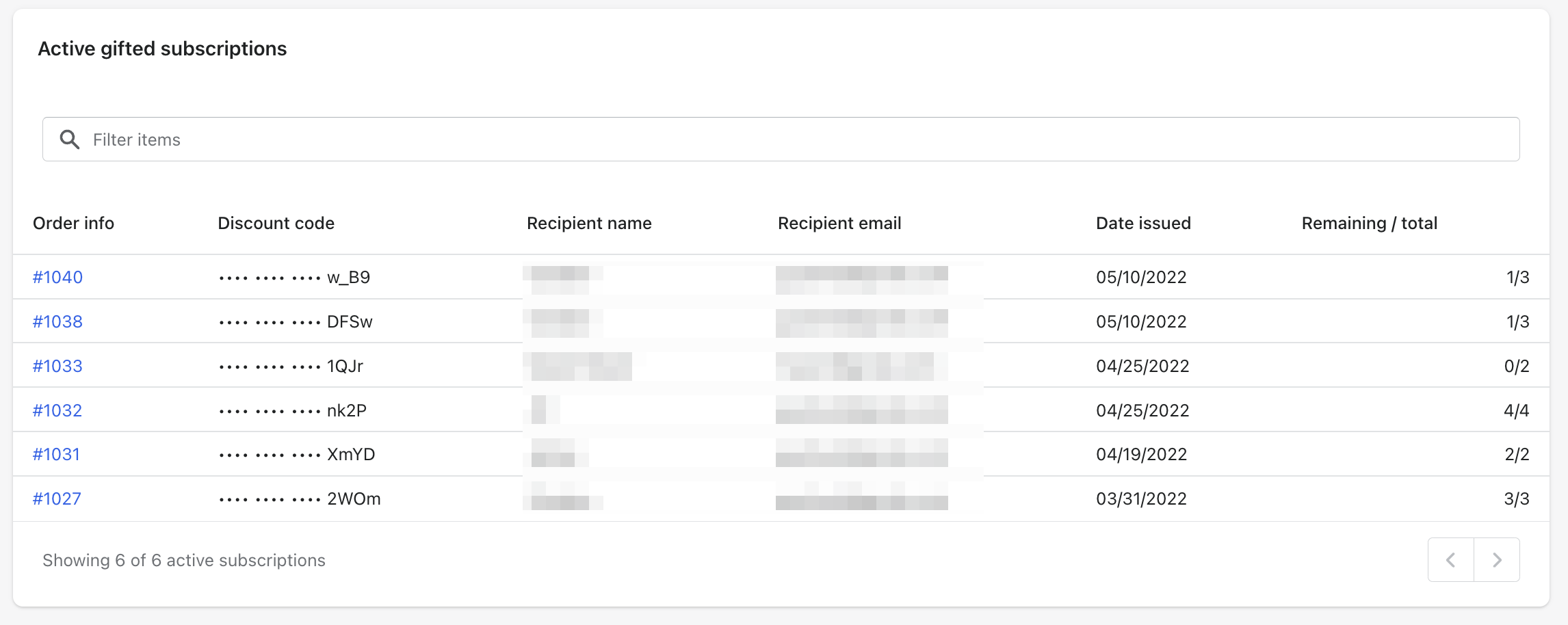
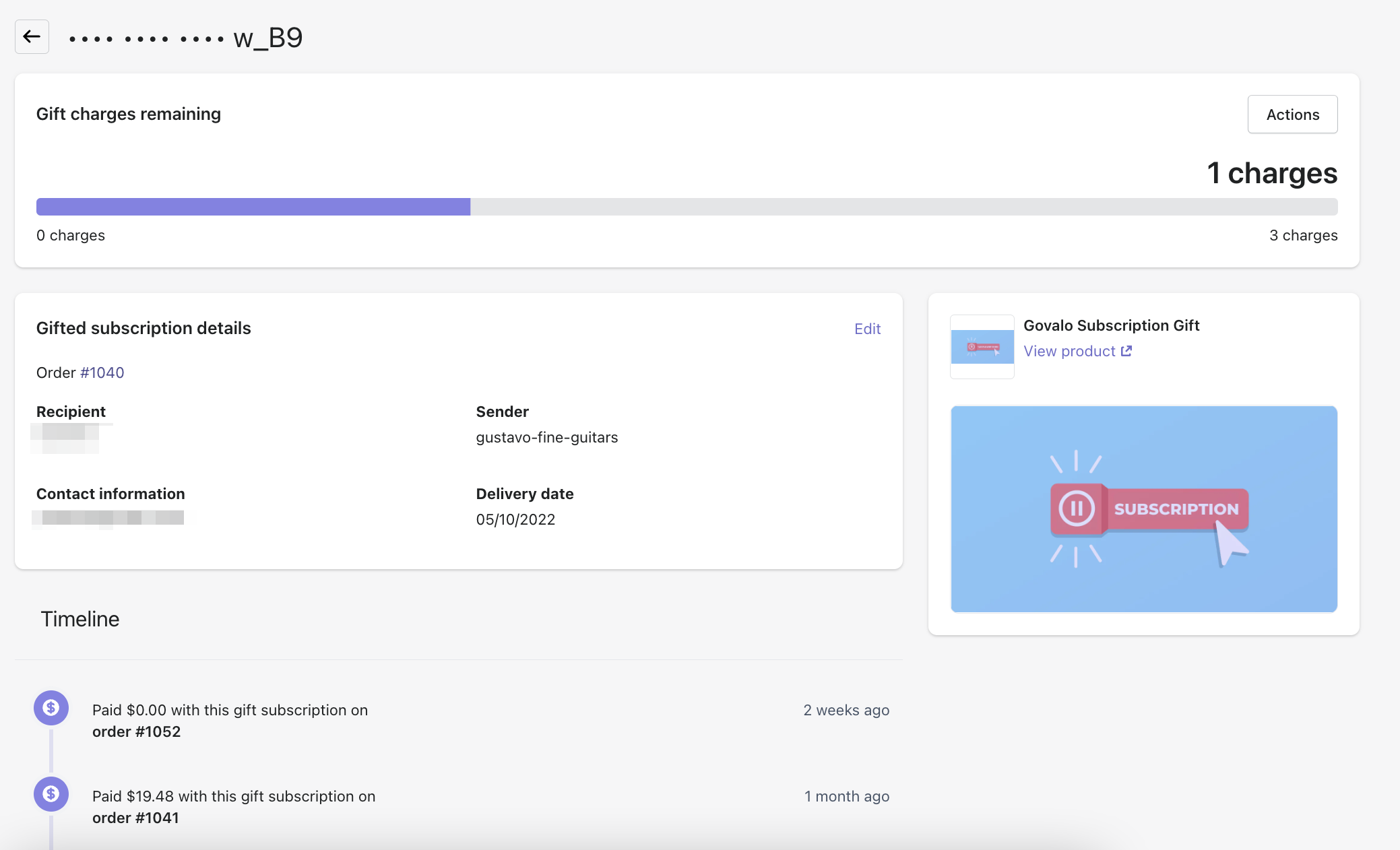
As subscription gifts are issued, you'll be able to see them listed at the bottom of the Recharge dashboard within the Govalo app. You can also navigate into each subscription gift issued in order to view their details and resend the email if necessary.