

Omnisend - Setting up your integration
Omnisend is an automated marketing platform that helps improve the way you interact with your customers. Through the integration between Govalo and Omnisend, you gain further control over your gift card emails, being able to customize and take your customers' experience to the next level. Here's how you can integrate Govalo and Omnisend:
In the Govalo app, go to Integrations, then click Configure Omnisend:

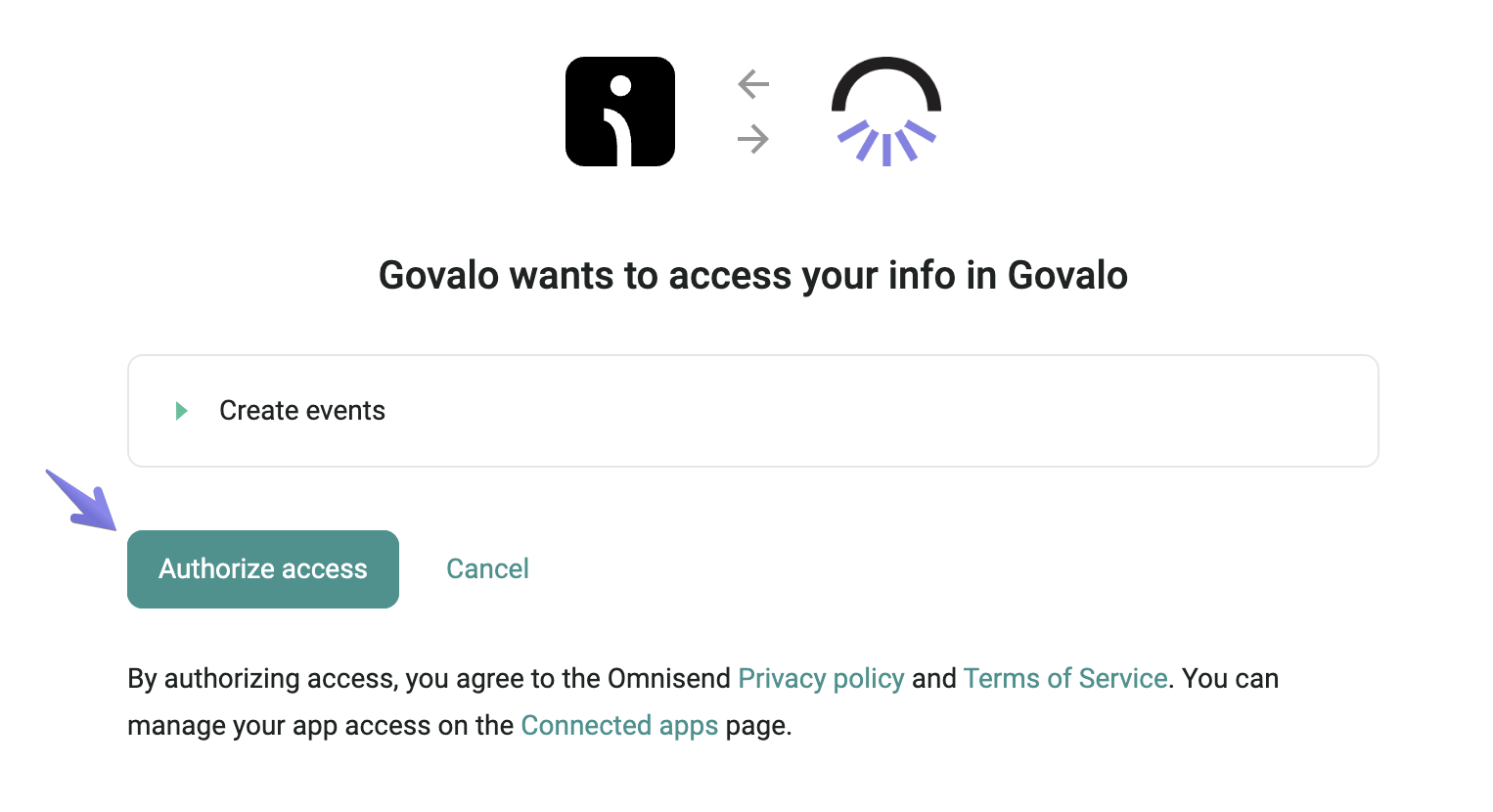
Connect to your Omnisend account, then click Authorize access:
Make sure you have your Workflows set up in Omnisend for gift cards and store credit issued through Govalo. For details about how to set up a Workflow in Omnisend, including the email template, see Omnisend - Setting up your Workflow and Email Template.
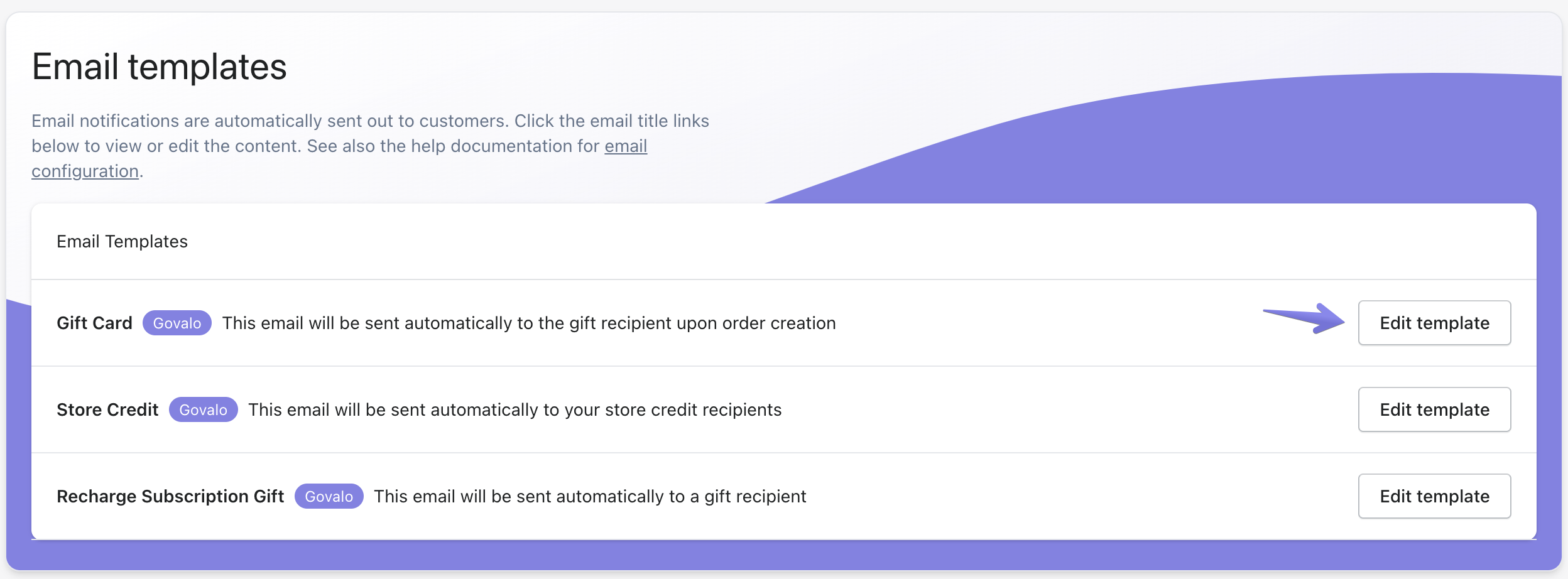
In the Govalo app, go to Configure > Configure email templates.
Click Edit template to access the editor for the corresponding email template:
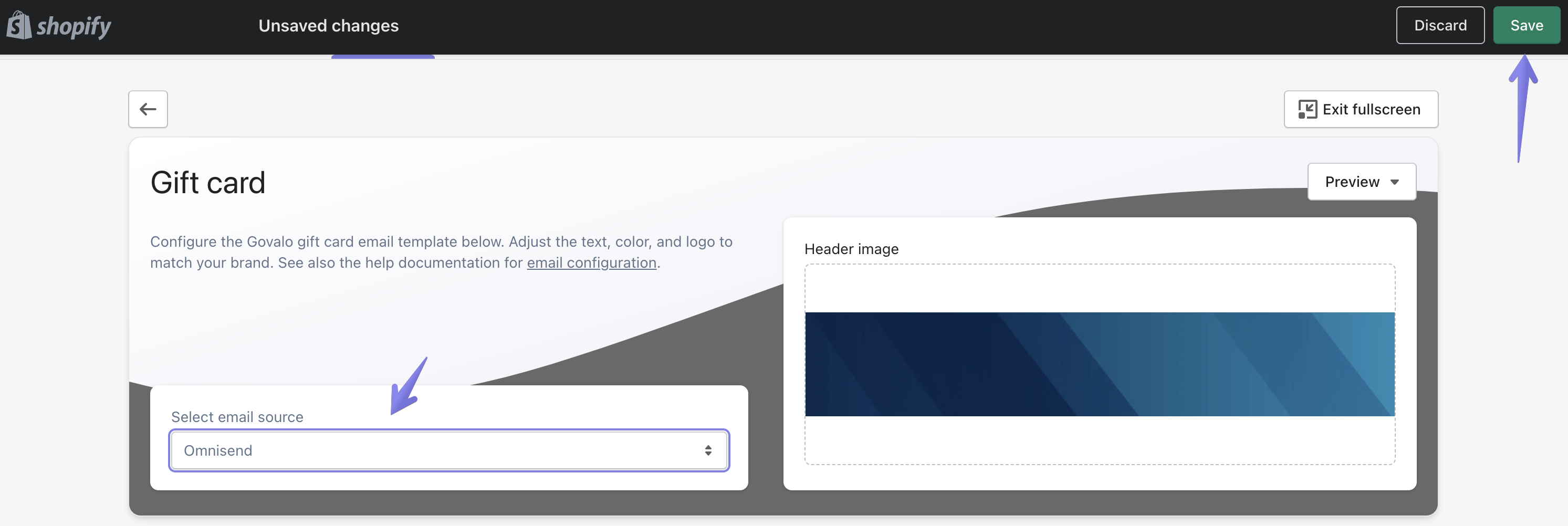
In the drop-down under Select email source, select Omnisend, then click Save:
Go back to the email templates page, and repeat steps 5 and 6 for each email you wish to be sent from Omnisend.
Congratulations! You have successfully set up your Omnisend Integration.