

Translating the properties in the cart page
Govalo's gift card has some line item properties which are added with it to the cart, and displayed as follows:
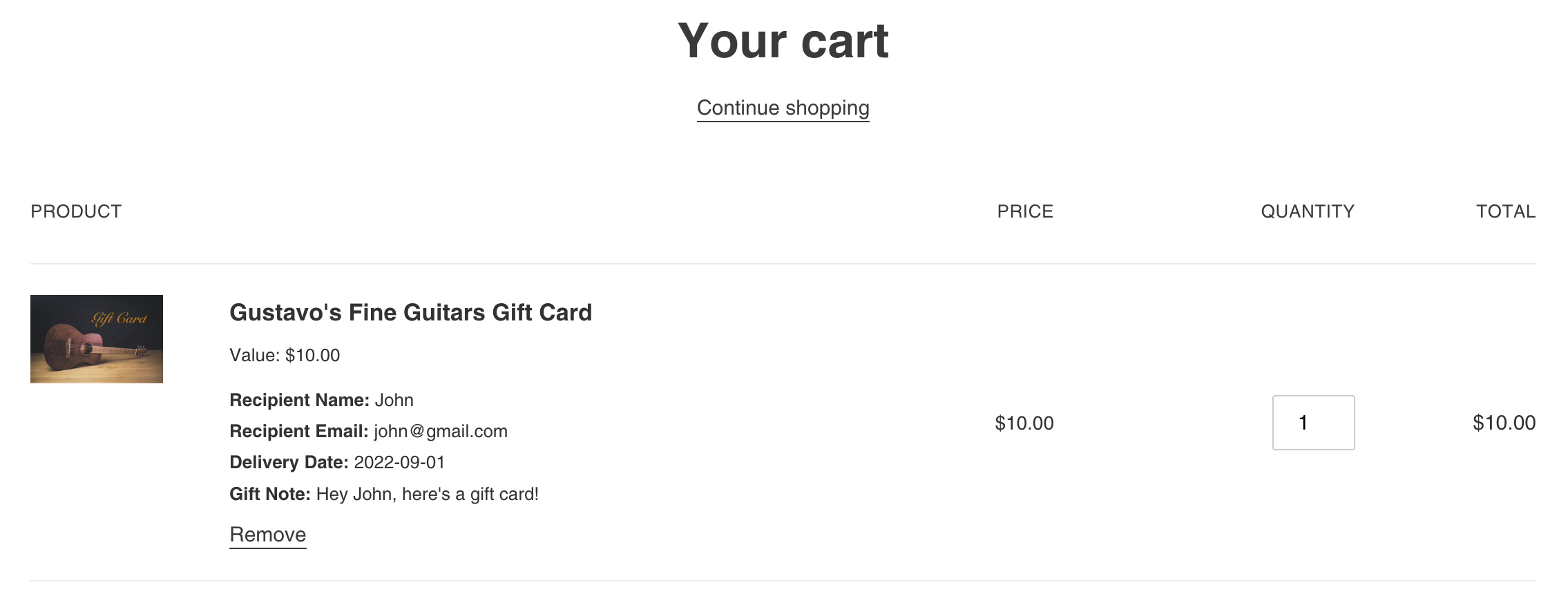
Most of the Shopify themes render these properties in a similar way, so you may translate them through the following steps:
On Shopify Admin, go to Online Store > Themes, and access the code editor for the theme in which the change will be applied (Actions > Edit code).
Locate and open the file where the properties are rendered in the cart page. This is usually cart-template.liquid or cart-item.liquid, although it may be a different file, since each theme is unique.
Find the line where the property name is rendered. Usually the variable p.first is used to render the property's name.
You will use Shopify's string filter replace to translate each property. Change the code:
{{ p.first }}
by
{{ p.first | replace: 'Recipient Name', '<translation>' | replace: 'Recipient Email', '<translation>' | replace: 'Delivery Date', '<translation>' | replace: 'Gift Note', '<translation>' }}
For which you'll replace every instance of <translation> by the corresponding translation for each property.
Make sure to Save your changes.