

Editing an existing Gift Card product
Gift card products created in Govalo can be edited at any time in the app, as outlined below:
In the Govalo app, go to Configure and select the gift card product you wish to edit:

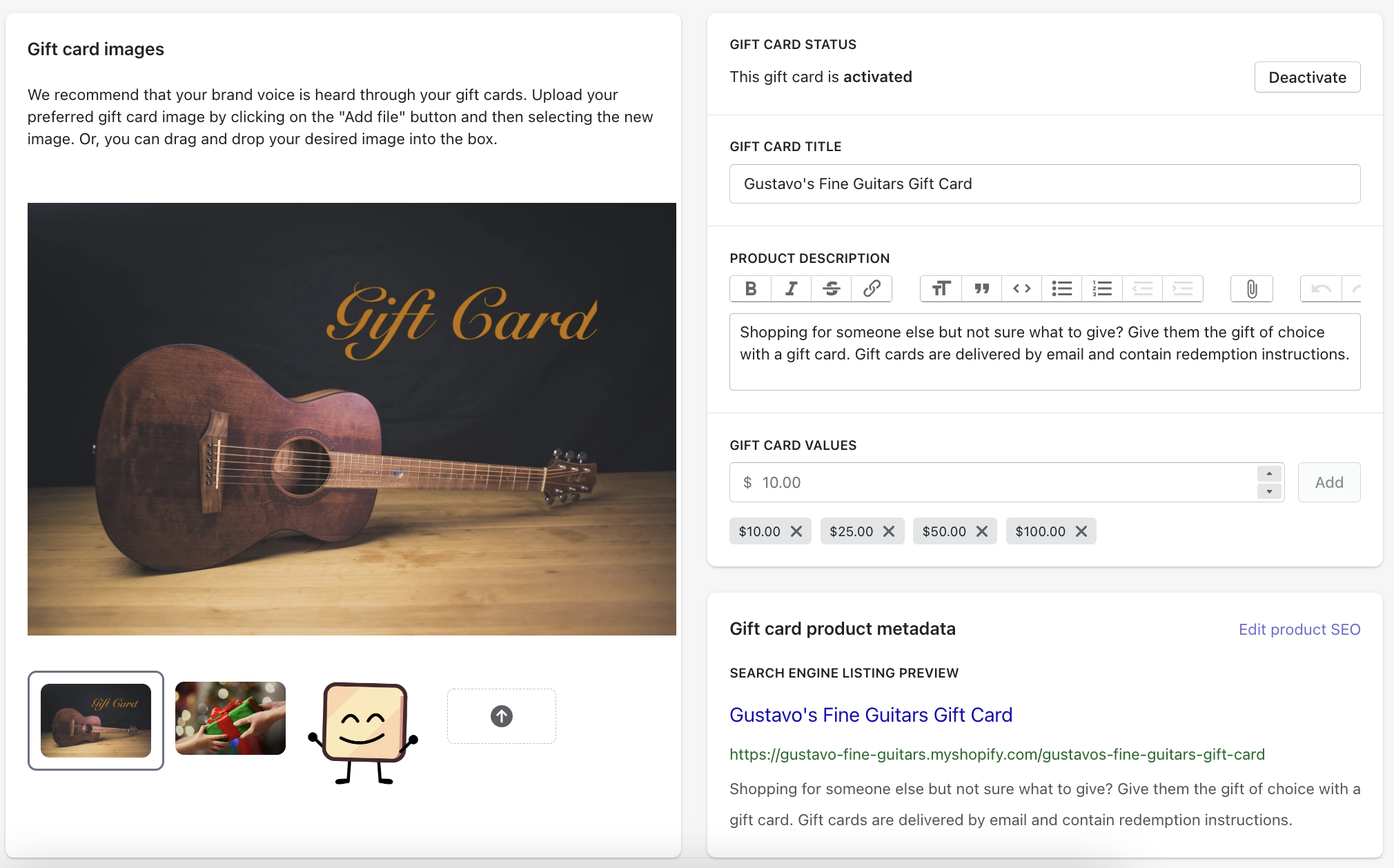
In the editing page you can do multiple things, such as activating or deactivating your gift card product, editing its title, description and values, and also removing or adding images.
Once you're done editing, make sure to Save your changes.