Why did I not receive an email with the gift card?
If you issued a gift card and an email was not received, there are usually two common reasons for this:
The gift recipient's email address does not exist or is misspelled
Your email service provider is blocking the email from being sent
The gift recipient's email address does not exist or is misspelled
To check the email address, and resend the email:
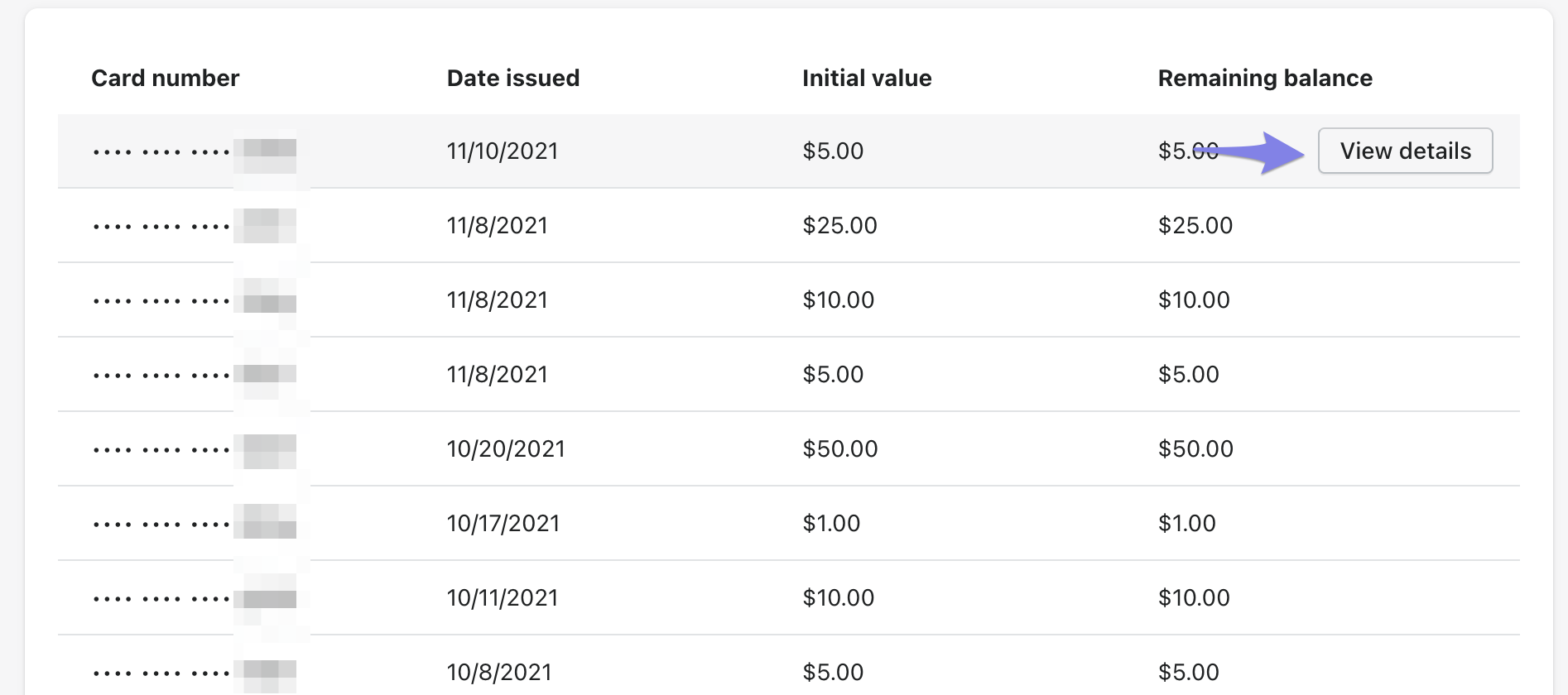
In the Govalo app, go to the Gift Cards dashboard, then find the gift card you'd like to work with and click on View details:
Verify that the email address is correct and use the Edit button to update the recipients address if needed:
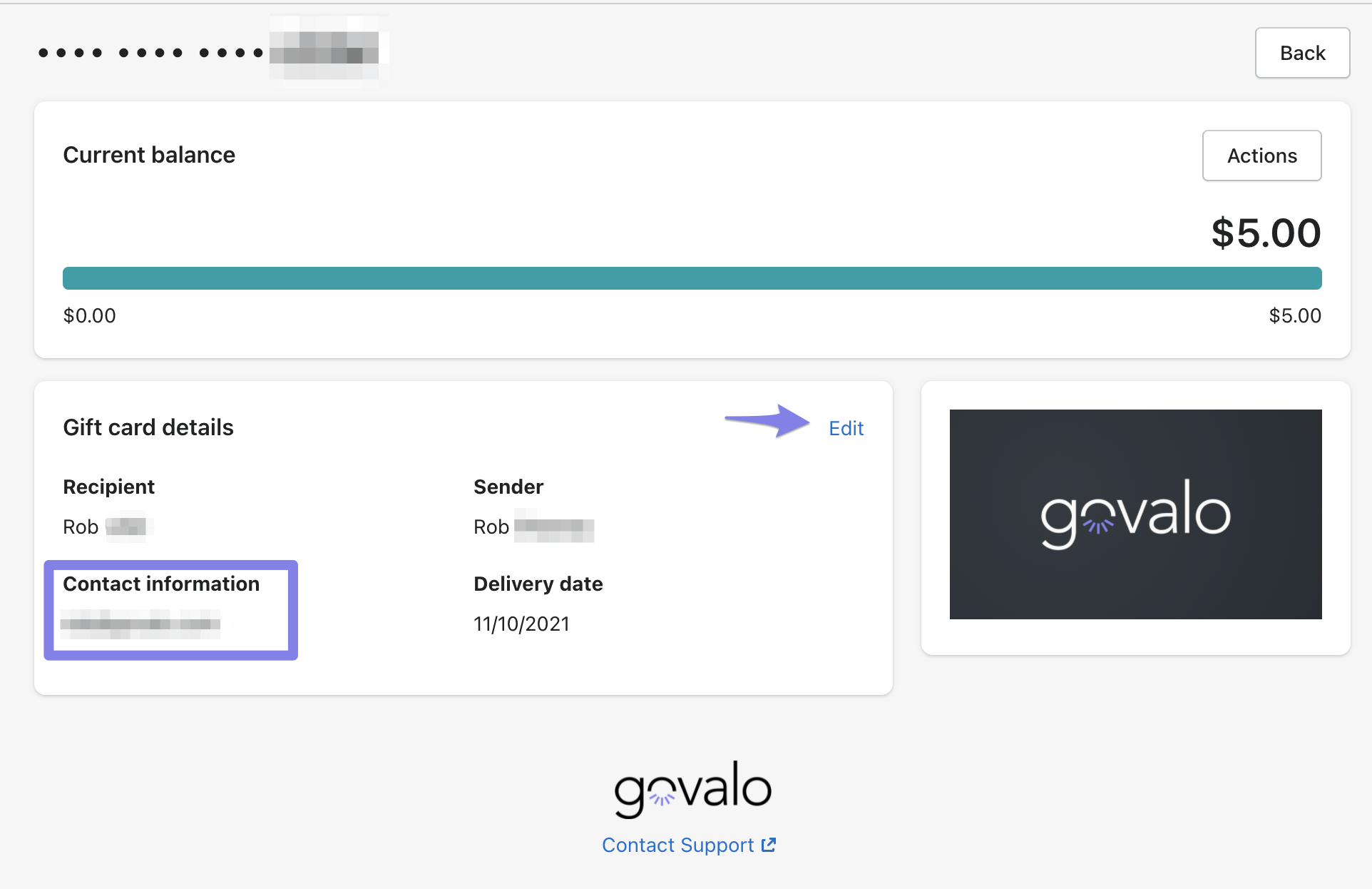
Once this has been saved, you can resend the gift card to the recipient by clicking on Actions > Resend:

Your email service provider is blocking the email from being sent
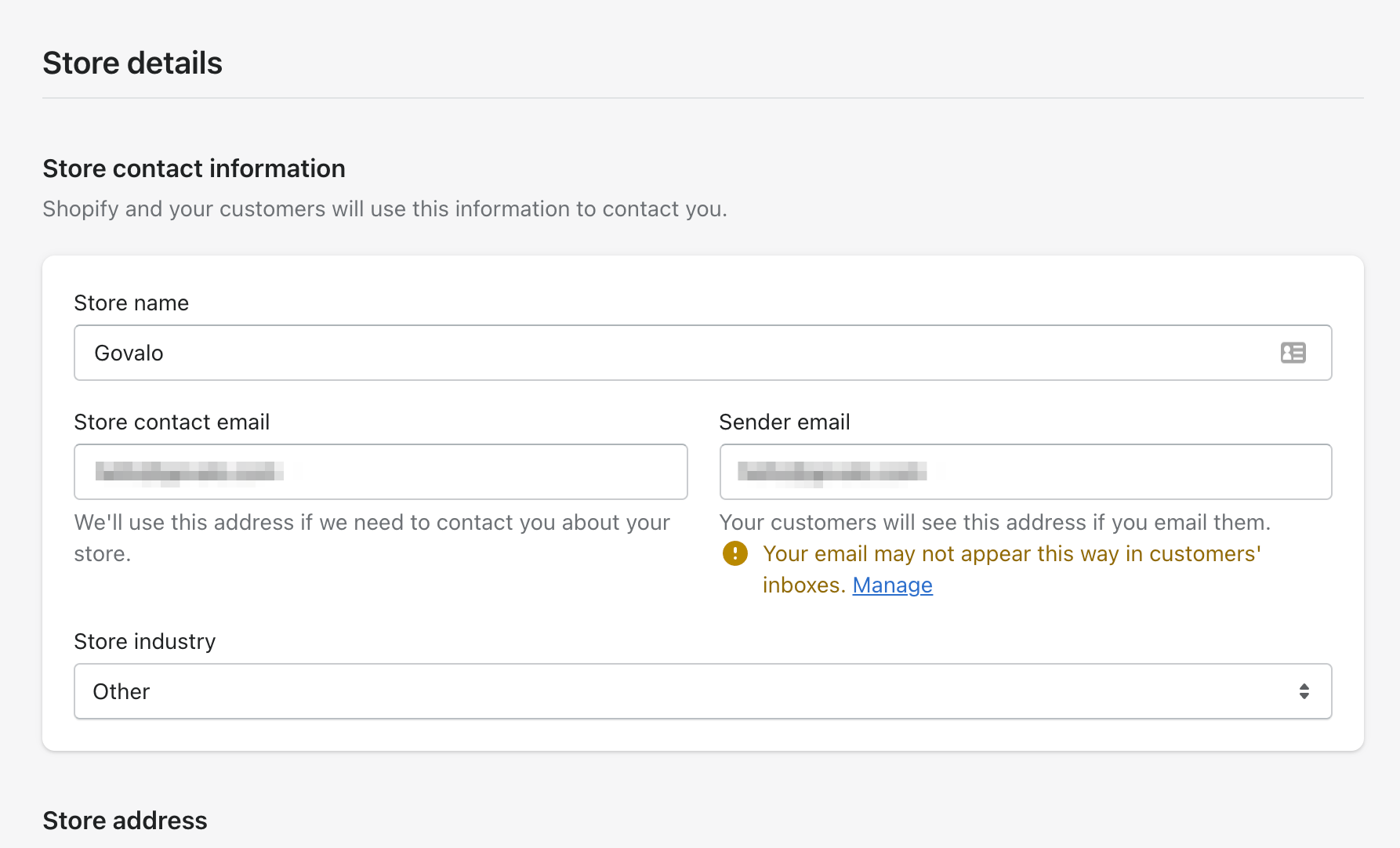
It's likely that if you're using an email address that is either @yahoo.com or @hotmail.com, that service provider is blocking the email from being sent out to the recipient.
To check what email address you're using:
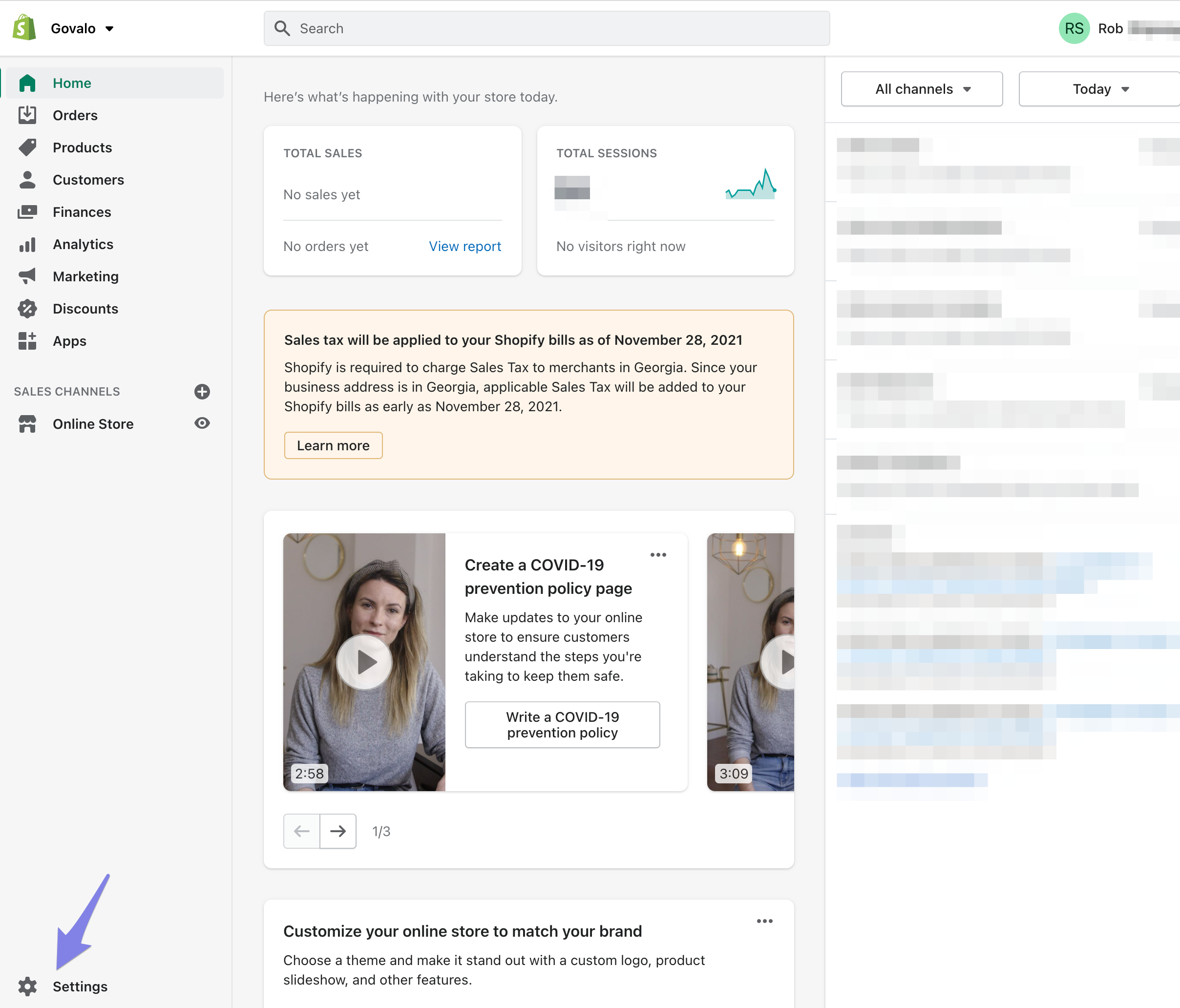
In Shopify, click on Settings:
Check the email that you currently have listed. If you are indeed using either @yahoo.com or @hotmail.com, it's highly recommended to change the email to either @yourdomain.com or @gmail.com: