Klaviyo
Omnisend
Recharge
Bold
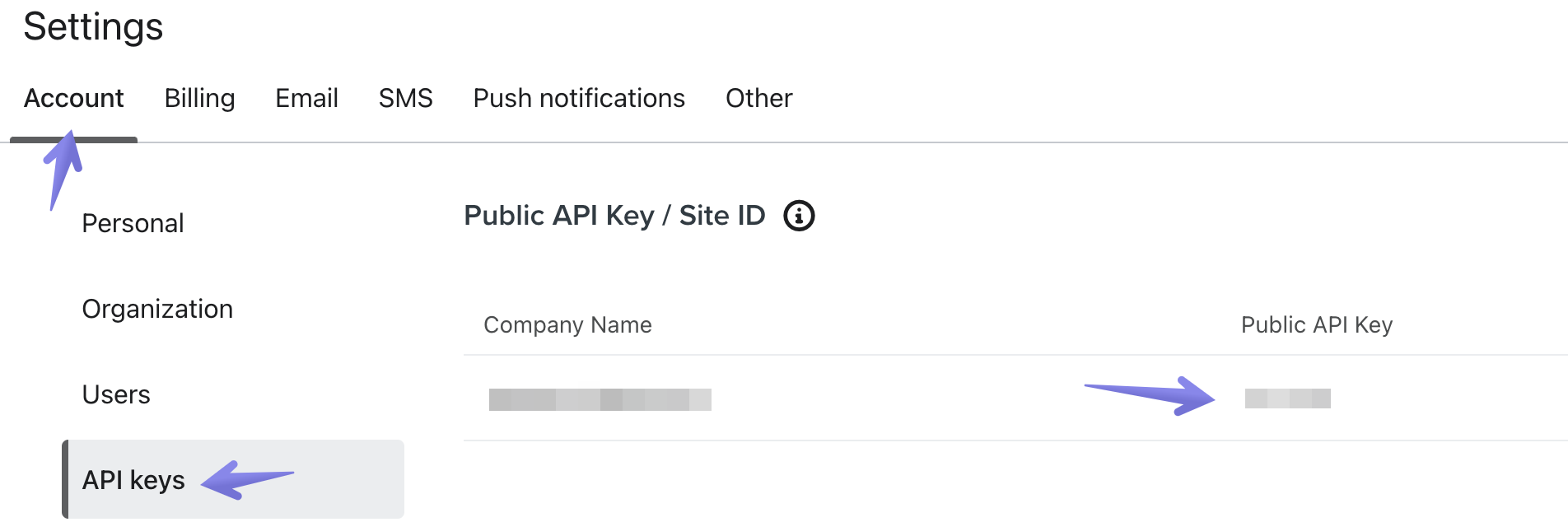
1 - Log in to your Klaviyo account and access your Settings.
2 - Under Account, access API keys.
3 - Copy the value you find under Public API Key: