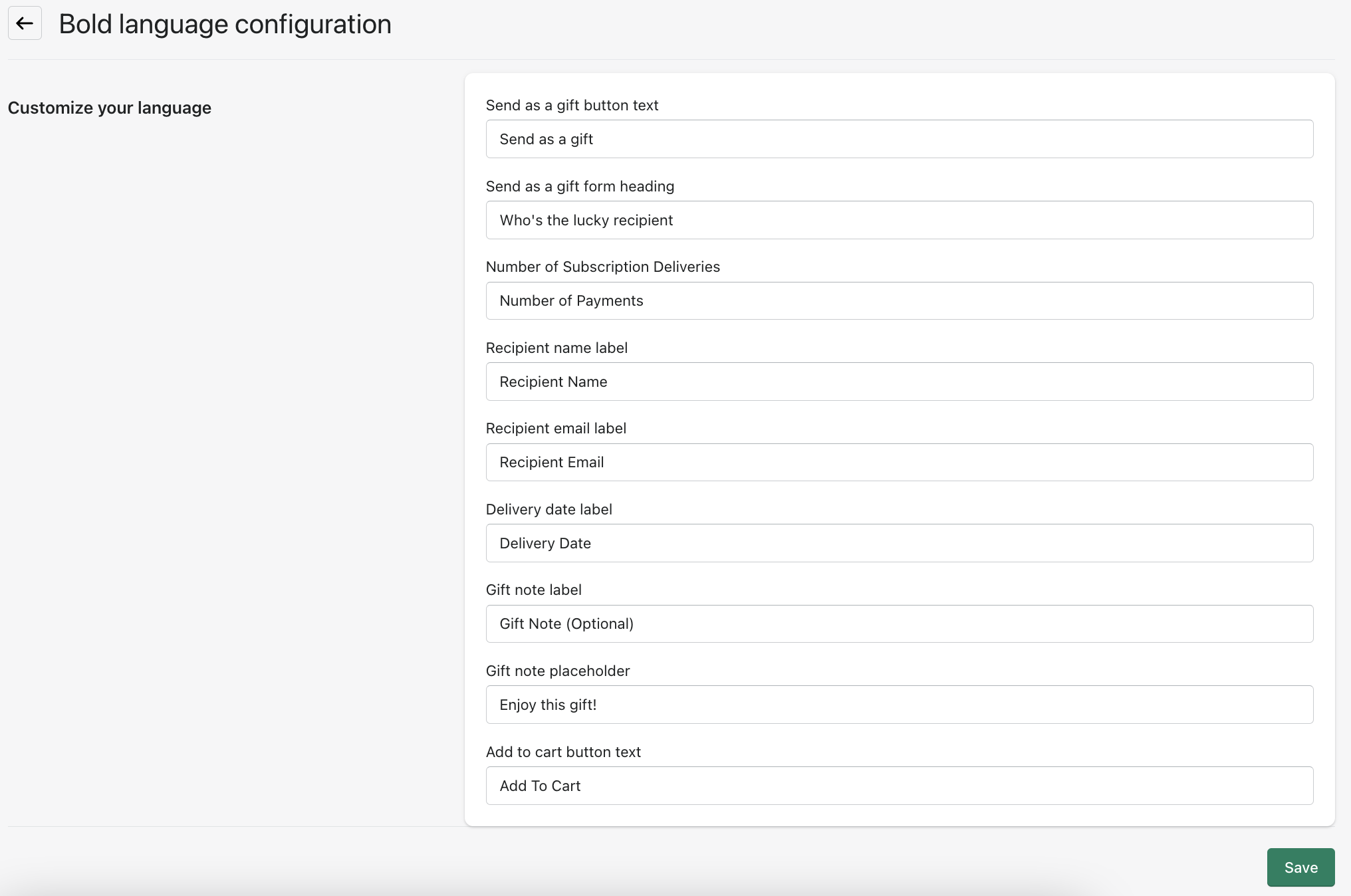
Bold - Configuring your language settings
This guide refers to the modal rendered by Govalo for subscriptions also offered as a gift. Follow the steps below to customize the language in the modal for these products.
In the Govalo app, go to Integrations:
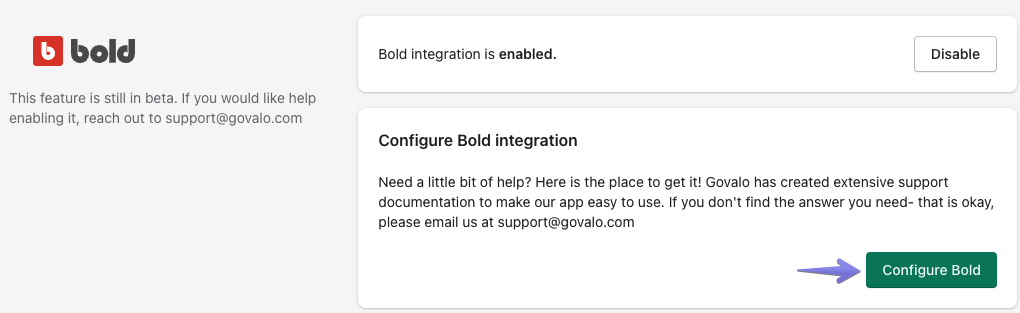
Click on Configure Bold to get into Bold's integration settings:
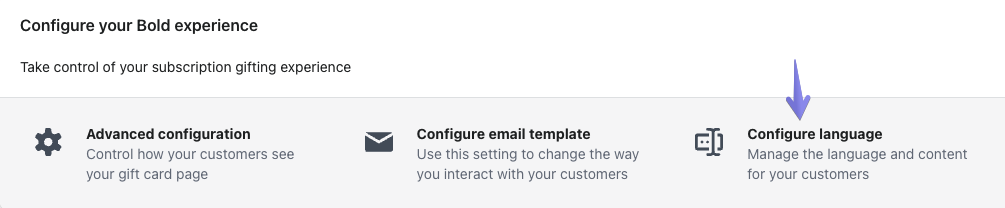
Under Configure your Bold experience, click on Configure language to get to the language settings for the Govalo modal for subscriptions:
Here you can configure all the labels displayed in the Govalo modal for subscriptions: