How to disable/delete a Gift Card or Store Credit from Govalo
You can disable and/or delete gift cards and store credit issued through Govalo directly from our app - please refer to the steps below for how to do it.
In the Govalo app, go to the Gift cards dashboard:

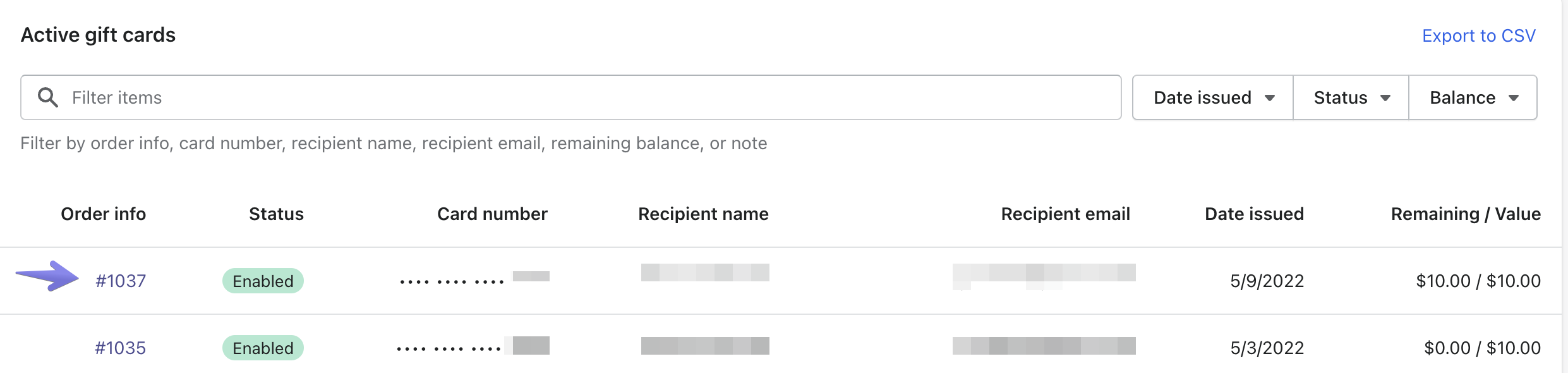
Scroll down and locate the gift card you wish to disable in the Active gift cards list.
Click in the link under Order info to access the gift card details:
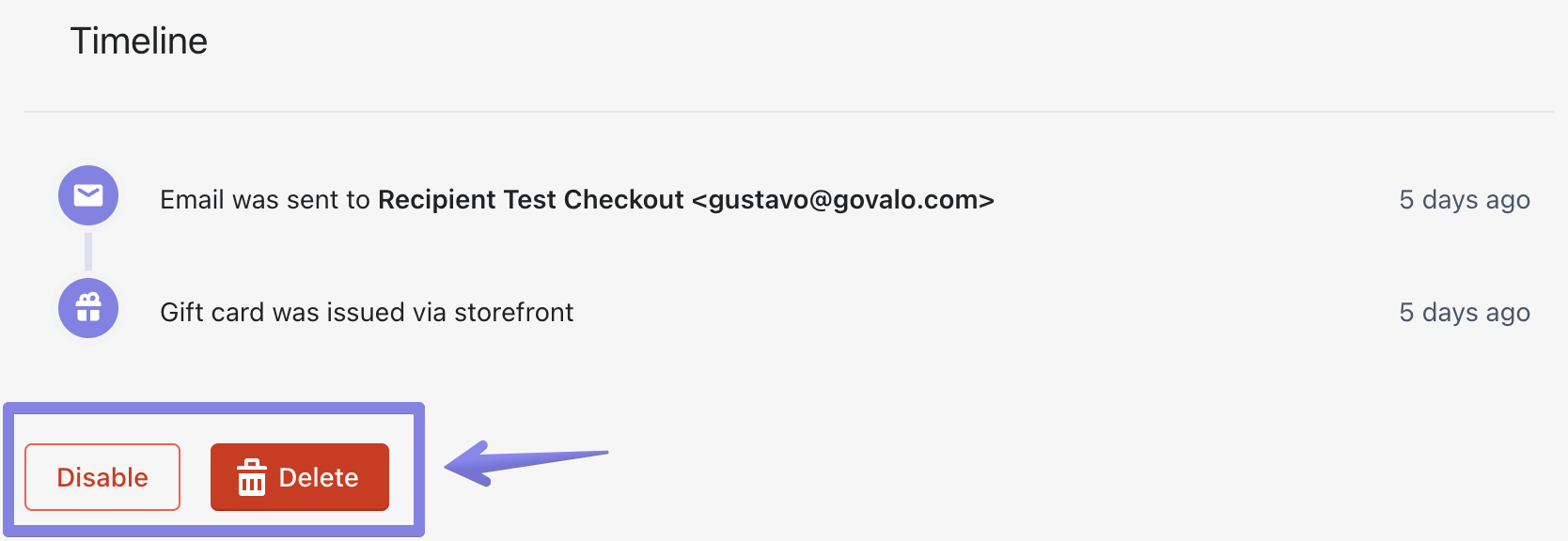
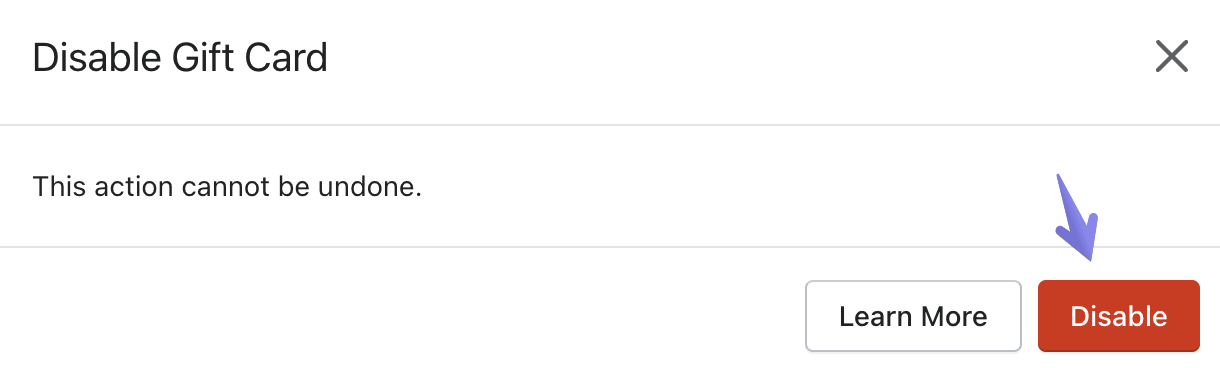
Scroll down and click Disable or Delete, then confirm your choice in the popup that opens: