
How to Export Gift Cards and Store Credit to CSV
Note: this feature is available both for Gift Cards and Store Credit.
- In the Govalo app, go to the Gift cards or the Store credit dashboard, scroll down to the list of items issued and click the Export to CSV button:

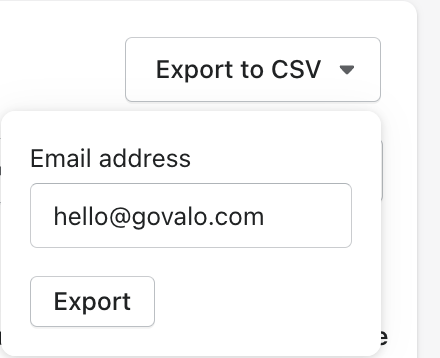
- Fill out the email address you wish the CSV to be sent to and click Export:
- Confirm the export by clicking Export in the popup:

- Check your inbox for the attached CSV file.
Updated on: 30/06/2026
Thank you!